
 +91 6201533997
 Blogs

Shopify Partner Program: A Human Guide for Developers and Agencies
If you are familiar with working with or creating Shopify stores, you know exactly what I mean. Working with multiple client stores, dev stores, and team member permissions is not an easy task. This is where the Shopify Partner Program comes in. It’s not just about the money; it’s about managing your team, managing your projects, and ultimately, focusing on building, not juggling.
Shopify recently made some updates that make life easier for partners. The focus is on three big things: Organizations for Partners, role-based access control (RBAC), and centralizing all stores in the Dev Dashboard. Don’t worry; it sounds complicated, but it’s actually simple once you see it in action.
What Exactly is the Shopify Partner Program?
The Shopify Partner Program is for anyone helping merchants succeed. That can be:
- Developers building apps or custom features.
- Designers creating store themes.
- Agencies or freelancers managing client stores.
Joining lets you:
- Create development stores for testing ideas.
- Build client stores and then move them over when they’re ready.
- Make money through referrals, apps, and client projects.
- Organize your team and their permissions.
The idea is to help you focus more on building and delivering, rather than wasting time thinking about permissions.
Why You’d Want to Join
Managing multiple projects can get messy. The Shopify Partner Program can help with:
- Organizing your team: You can set roles and permissions once, and then forget about them.
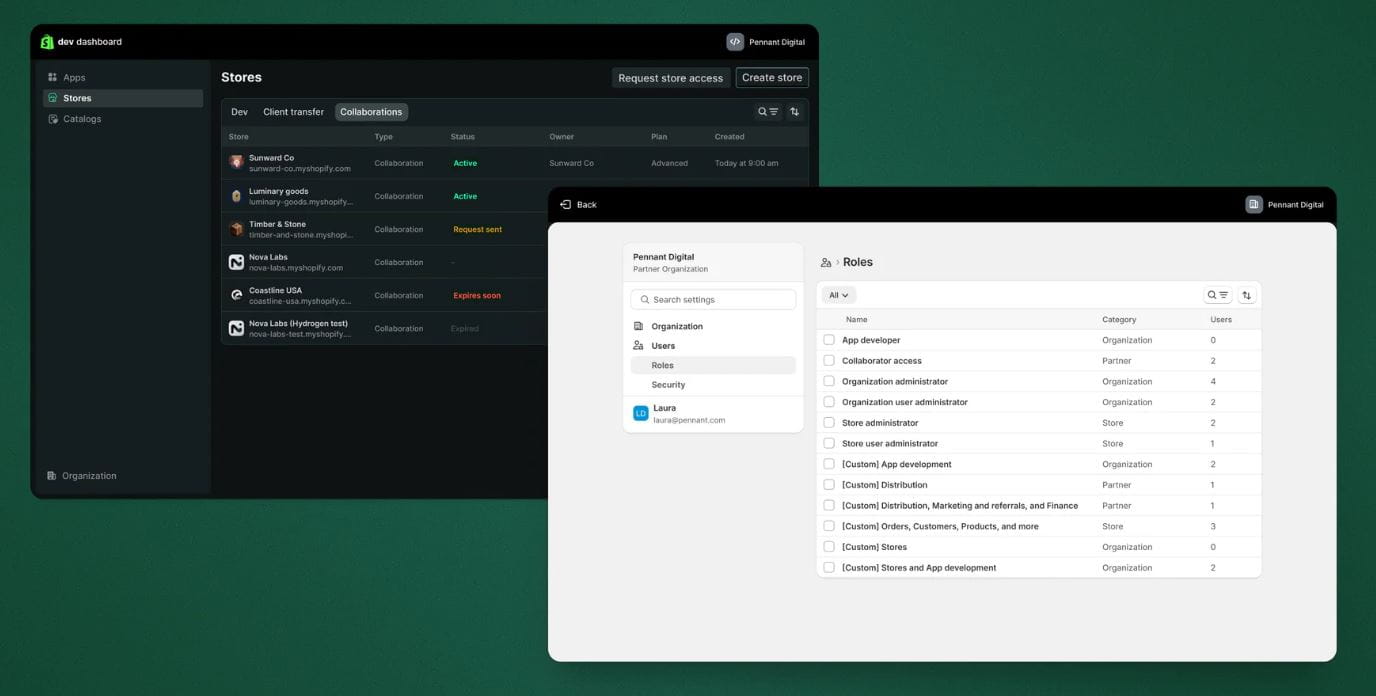
- Centralizing stores: All dev, client transfer, and collaborator stores are in one place.
- Offering revenue streams: Make money from apps, themes, referrals, and client projects.
- Helping your team scale: Add new members or projects without creating confusion.
It’s built for real-life workflows. You get to work more efficiently without spending time on busywork.
What’s New in the Shopify Partner Program
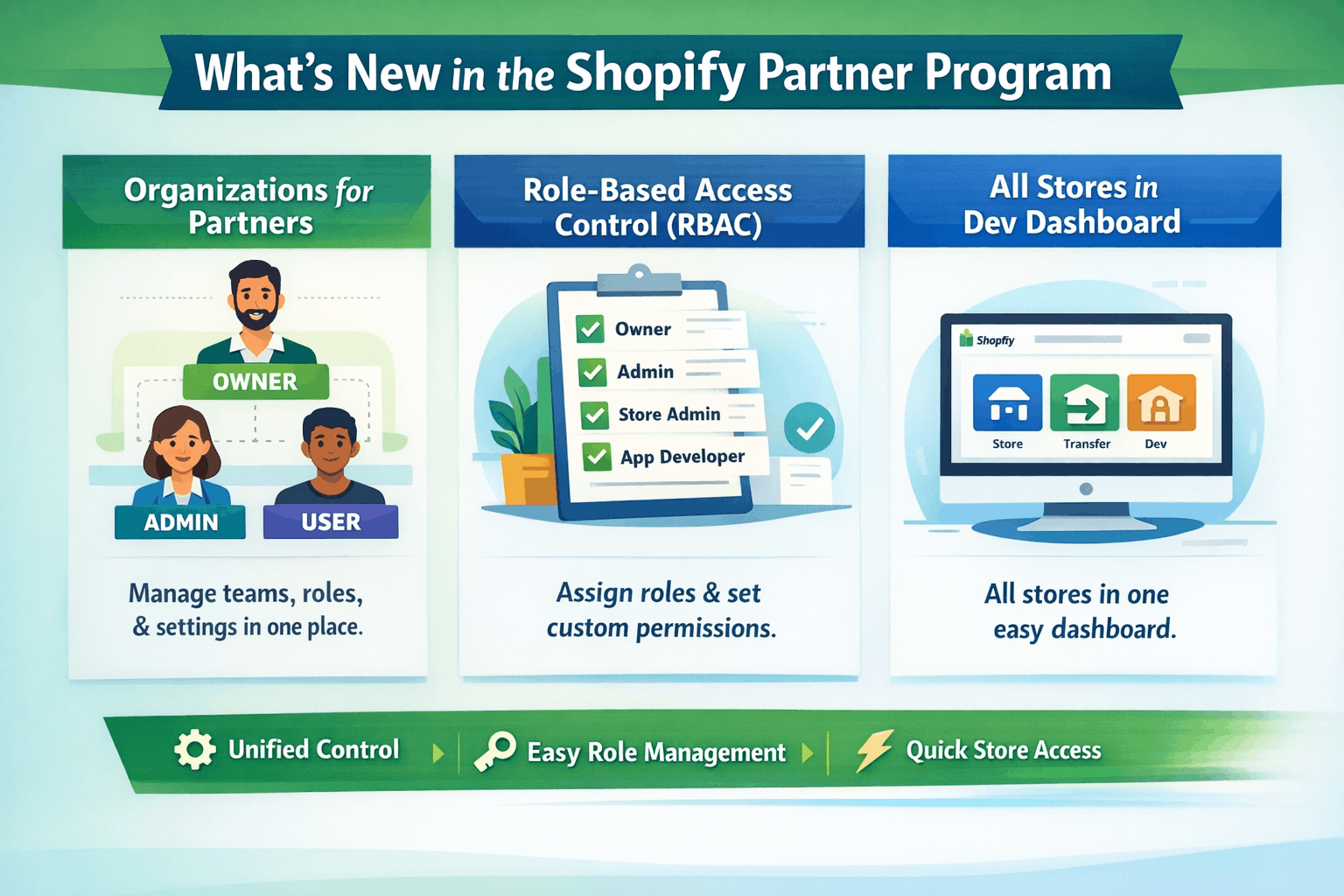
Shopify rolled out updates that partners will notice immediately.
1. Organizations for Partners
Before, there wasn’t a clear structure for teams. Now:
- Organization Owner: One person has full control over everything.
- Organization Admins: Can manage team members, stores, and roles.
- Organization Settings: Let's you see who’s on your team and what they can access—all in one place.
For agencies or teams with multiple developers, this keeps things simple. Everyone knows what they can and can’t do.
2. Role-Based Access Control (RBAC)
Rather than giving permissions individually, Shopify now lets you assign roles. There are seven system roles:
- Organization Owner
- Organization Admin
- Organization User Admin
- Store Admin
- Store User Admin
- App Developer
- Collaborator Store Access
You can assign multiple roles to a person and even create custom roles for special needs. It’s flexible and matches how teams really operate.
3. All Stores in Dev Dashboard
All your stores—development, client transfer, and collaborator—are now in one dashboard.
Benefits:
- Switch between stores quickly.
- Hand off projects to clients easily.
- See everything that’s happening in one view.
This is why Dev Dashboard is your go-to place for all your Shopify work without having to juggle multiple tools.
Migration Made Easy
Migration is fully managed by Shopify:
- Your organization will be updated to include roles that match your current level of access.
- If there were multiple owners of an organization, one would become an Organization Owner, and the rest would become Admins.
- If there are any pending invites, these will need to be re-sent via Organization Settings.
This will ensure that your team is able to continue working without any interruptions.
Tips to Make the Most of It
If I were a part of the Shopify Partner Program, this is what I would do to make the most out of it:
Review Organization Settings:
Ensure that everyone’s access is correct based on their role.
Carefully assign roles:
Consider using a role provided by the system for most cases and custom roles for special cases.
Review Organization Owner:
Verify that the correct person is running the organization.
Maximize Dev Dashboard:
Save time and effort by managing all your stores in one place.
Review Revenue Opportunities:
Consider referrals, apps, and client projects for new revenue opportunities.
Real-Life Scenarios
- Small Agency: One developer is working on apps, and another is working on client stores. Permissions are easy to manage.
- Freelancer Designer: Can work on multiple client stores with no confusion, thanks to the dashboard.
- Growing Team: Easily add team members, roles, and scale with no chaos.
It’s all about making sure your team structure looks exactly like your real-world workflow.
Why It Actually Helps
The Shopify Partner Program is not just about the dashboards. It’s about helping you:
- Save time: Tired of switching between dashboards, managing access levels?
- Scale easily: Need to add team members or projects? No problem.
- Stay transparent: Know who has access to what.
- Earn revenue: More opportunities for apps, themes, and client work.
At the end of the day, you get to focus on building great stores and apps rather than paperwork.
Conclusion
The Shopify Partner Program is not just an application but a system for efficiency. The application includes a number of roles, dashboards, and team management to help you focus on building, delivering, and growing your business.
The Shopify Partner Program may help you organize your business and grow your revenue, especially if you work with Shopify stores.
For complete Website Analysis, On-Page SEO, Off-Page SEO, and Technical SEO, contact us at Sumit Digitech.
Follow us on Instagram and Facebook for the latest SEO tips and updates.
Frequently Asked Questions
It’s a platform for developers, designers, and agencies to build stores, apps, and earn money while helping merchants.
Yes. Roles can stack, so someone can handle multiple responsibilities.
Access Organization Settings in the Dev Dashboard. It displays the owner and permissions.
Roles decide who can access what. Assign system roles or make custom ones.
All development, client transfer, and collaborator stores are in the Dev Dashboard.